

Webhooks: Connect Incido to Slack, Ticketing, and Custom Tools
Use inbound monitor webhooks for any tool that can POST JSON, and outbound webhook subscriptions when Incido should notify Slack, ticketing, or internal automation.
The flexible path for queue health signals, custom observability, or driving downstream workflows when incidents and maintenances change stage.
What it does
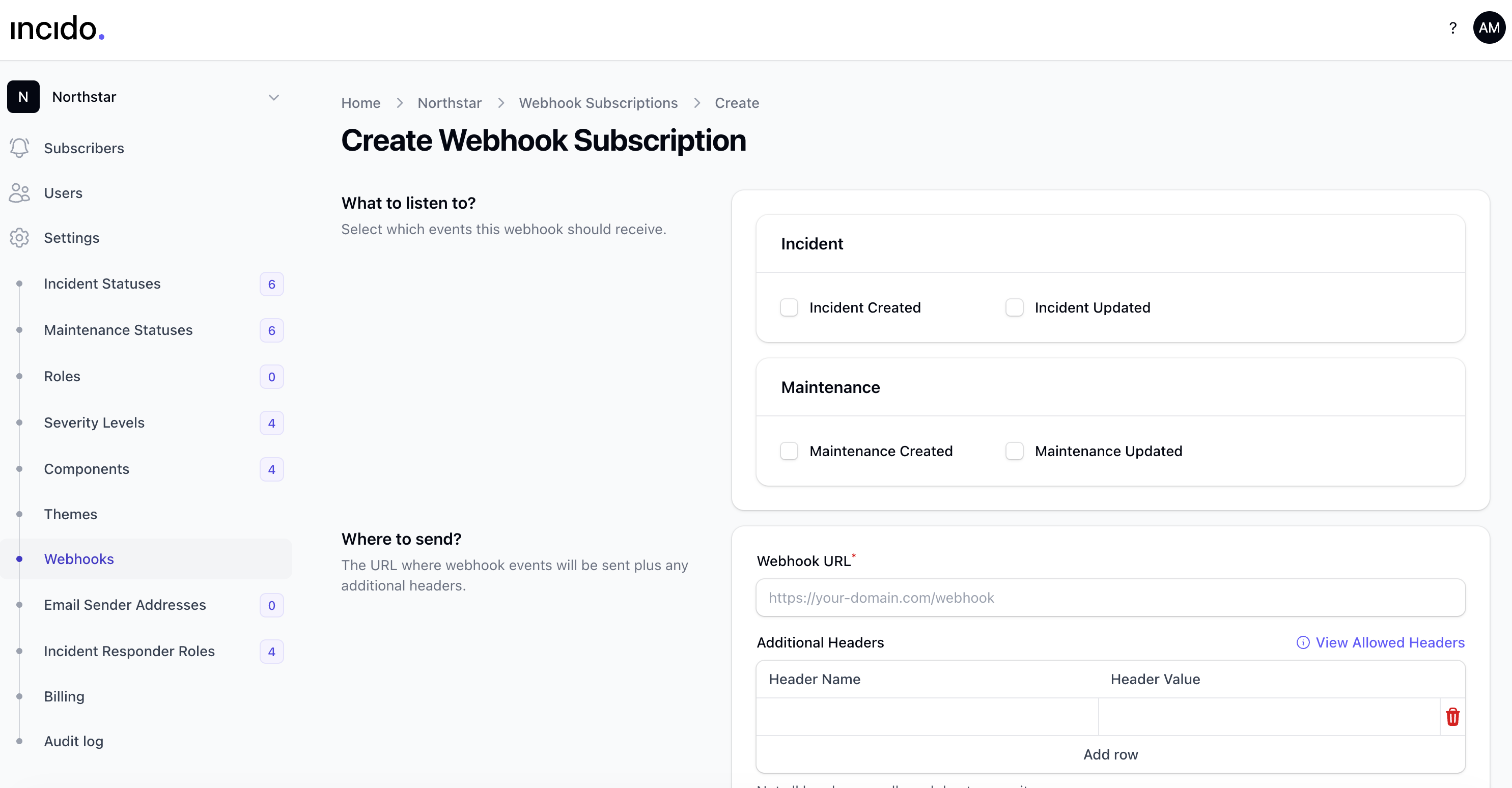
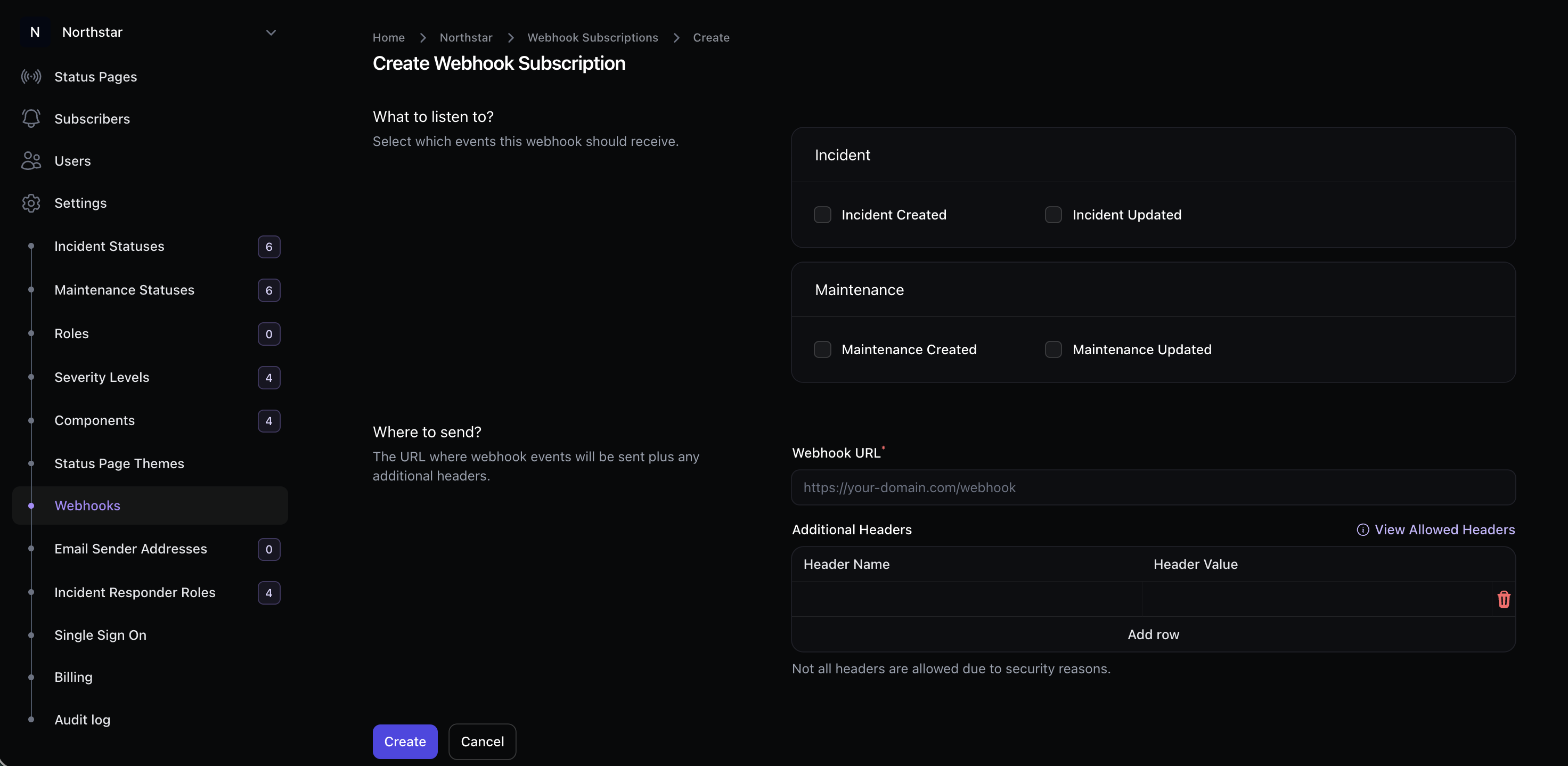
Inbound: Generic Incido monitors accept webhook POSTs and evaluate payloads with JSONLogic, useful for job backlog alerts, APM hooks, or vendors without a dedicated monitor type. Outbound: Webhook subscriptions deliver signed HTTP POSTs when incidents are created, stages change, or maintenances start. Delivery attempts are logged in the Dashboard for troubleshooting.
How to set it up
- 1
Choose inbound or outbound
Create a generic monitor (inbound) if an external system should tell Incido something failed. Create a webhook subscription (outbound) if Incido should notify your service when events occur.
- 2
Configure the endpoint
For inbound monitors, paste the Incido webhook URL into your alerting tool. For outbound subscriptions, provide your HTTPS endpoint URL and optional headers in Incido settings.
- 3
Verify signatures on outbound events
Retrieve the webhook public key from the API or Dashboard and verify signatures on incoming POSTs before acting on incident payloads in your automation.
- 4
Monitor delivery logs
Use Incido’s delivery history to inspect request payloads, HTTP status codes, and retries when an integration fails silently.
Common use cases
- Queue or worker health webhooks evaluated with JSONLogic on a generic monitor
- Posting incident updates to an internal Slack bot via your own middleware
- Syncing incident stage changes into Jira or Linear through outbound subscriptions
- Triggering custom runbooks when a maintenance moves to In Progress
On-Call in Incido
Inbound: Generic Incido monitors accept webhook POSTs and evaluate payloads with JSONLogic, useful for job backlog alerts, APM hooks, or vendors without a dedicated monitor type. Outbound: Webhook subscriptions deliver signed HTTP POSTs when incidents are created, stages change, or maintenances start. Delivery attempts are logged in the Dashboard for troubleshooting.