

Incident Management
From detection to resolution: structured and repeatable
Track every incident from first alert through resolution and closure, with clear stages, severity levels, and a full timeline. Repeat alerts are grouped together so responders focus on what matters.
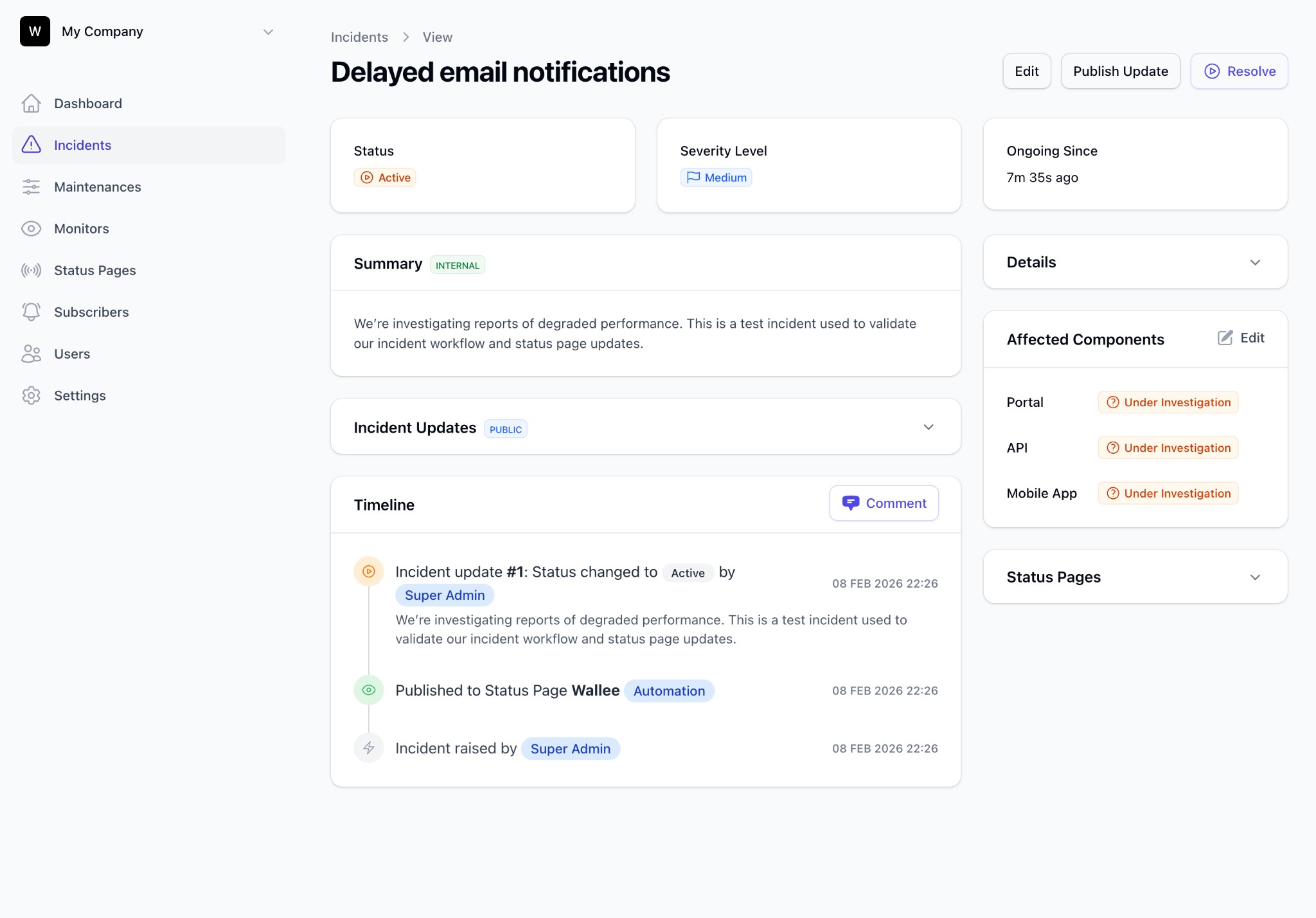
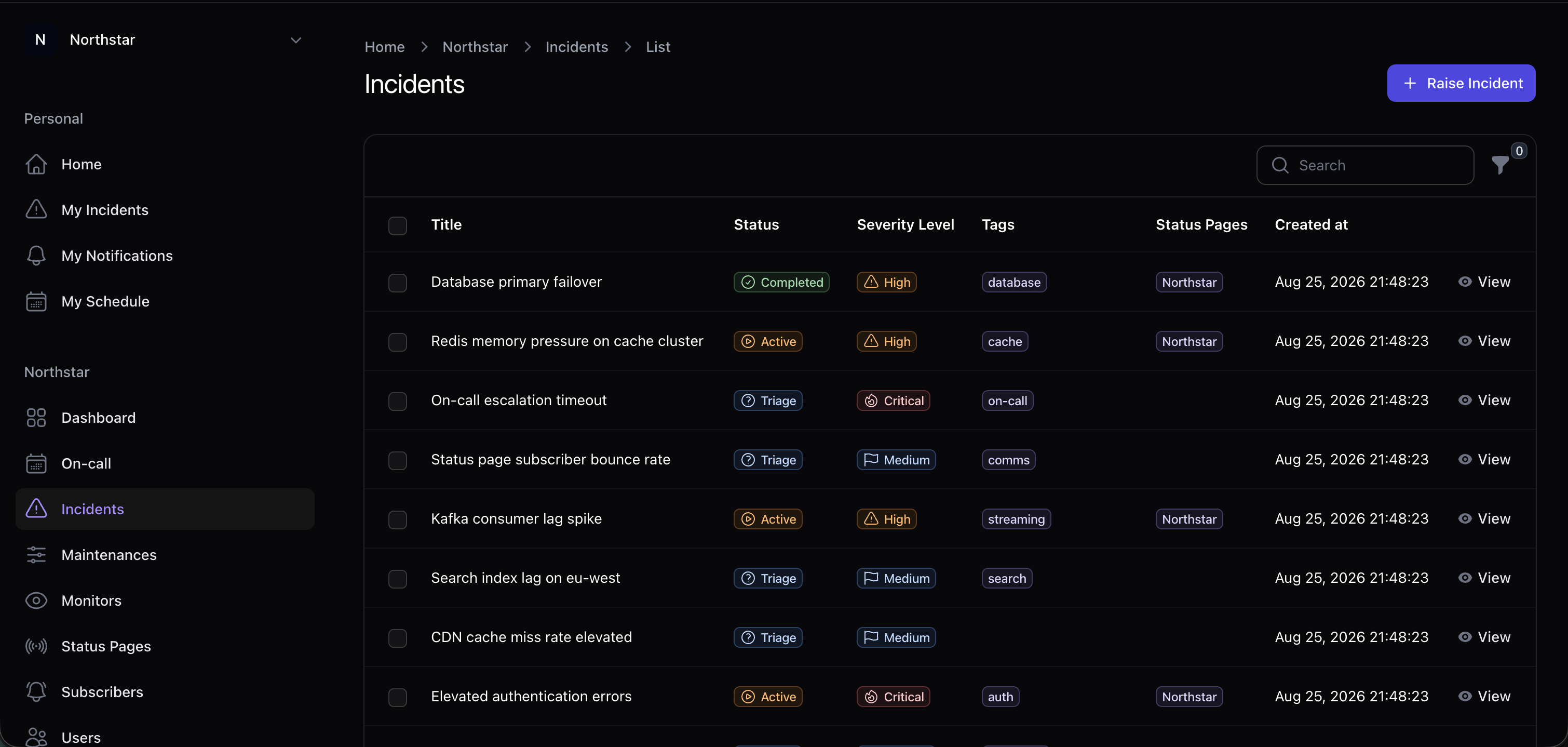
Built from real-world response practice: clear stages, less improvisation.
Clear stages
Every incident moves through assessment, active response, follow-up, and closure, so the process stays consistent across teams.
Severity & workflows
Define severity levels, colors, and notification urgency that match your organization's response playbooks.
Duplicate alert grouping
When multiple alerts describe the same problem, Incido groups them into one incident so your dashboard stays readable.
Timeline & updates
Publish internal and customer-facing updates from one place. Pages and responses land on the same timeline.
API & webhooks
Create and update incidents from monitoring tools or your own automation. Anything that can make an HTTP request can open an incident.
Component impact
Attach affected components so status pages and responders share the same picture of what is degraded.
A clear path through every incident
Detect & assess
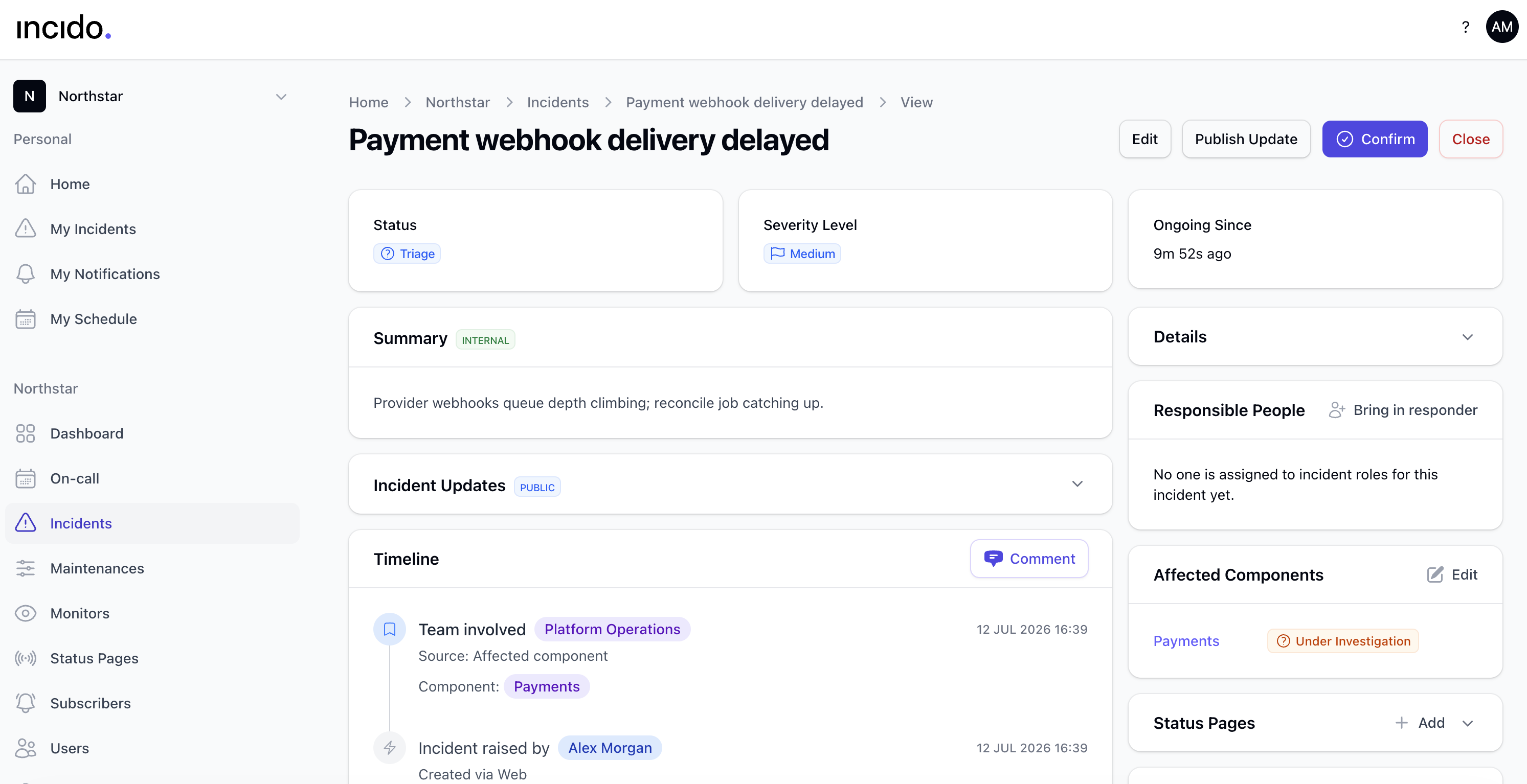
Incidents arrive manually, via API, or from monitors. Related alerts are grouped together so you can assess before going public.
Respond & communicate
Page on-call, publish updates, notify subscribers, and track components, all from one incident.
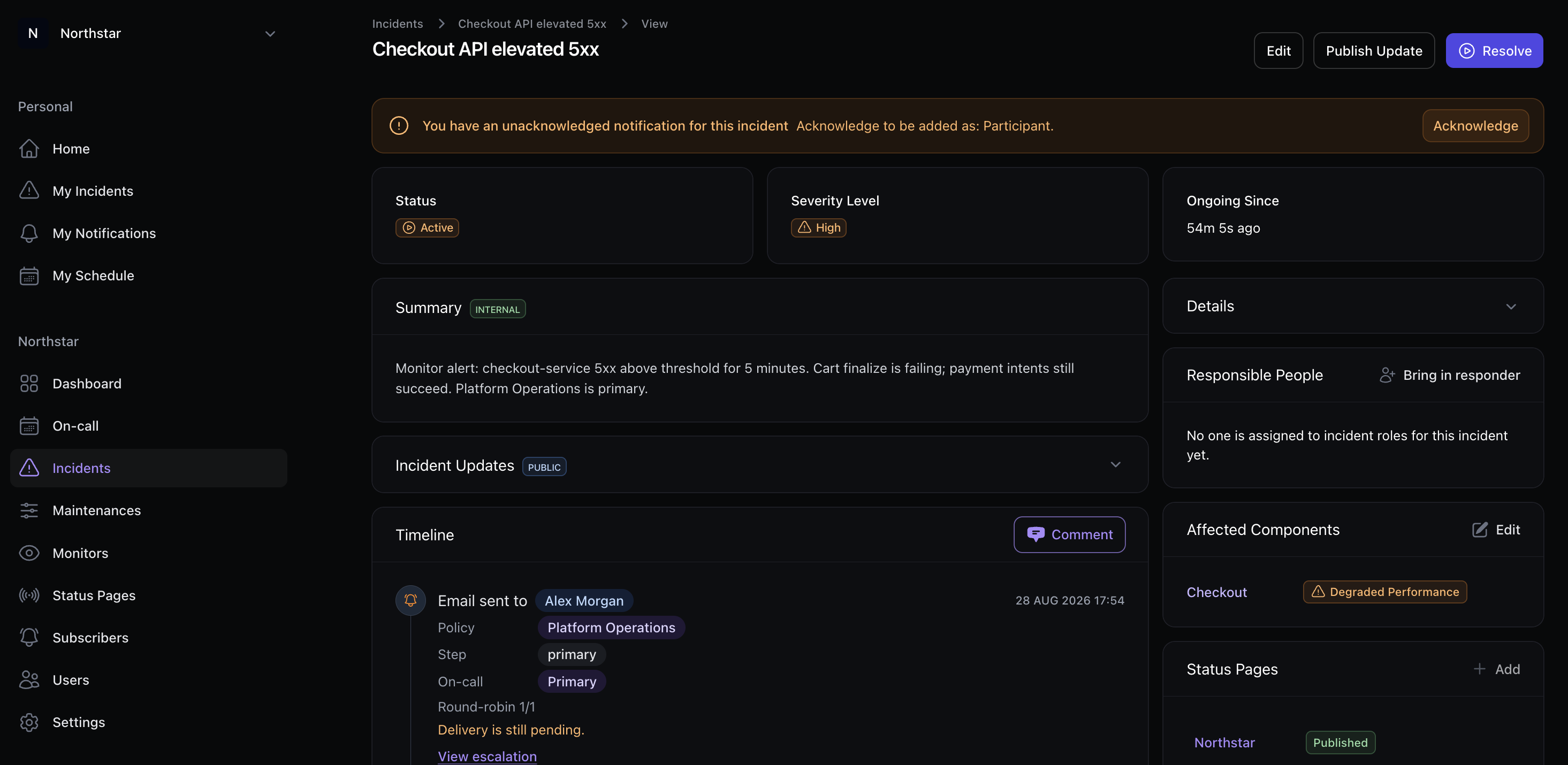
Component health your whole team shares
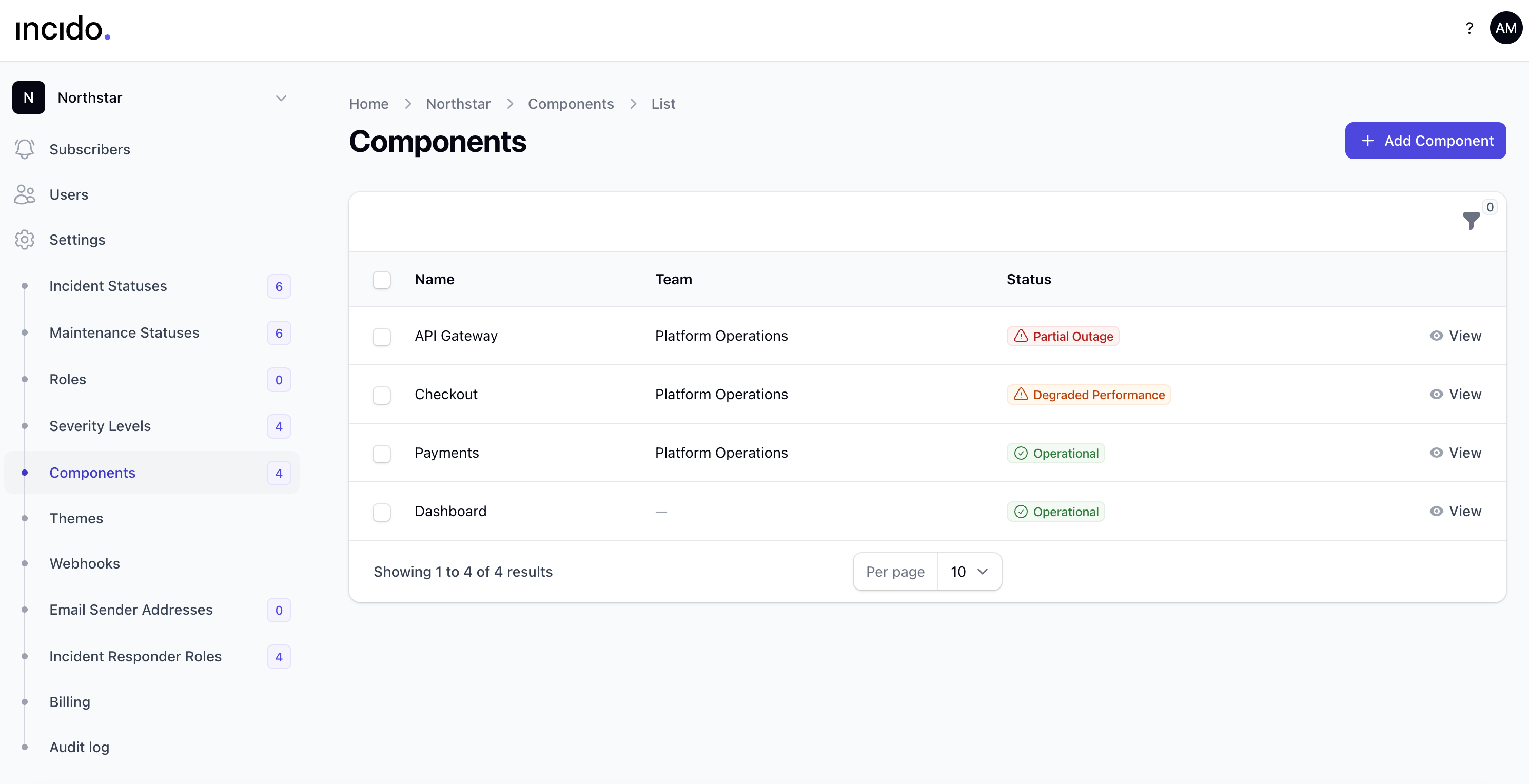
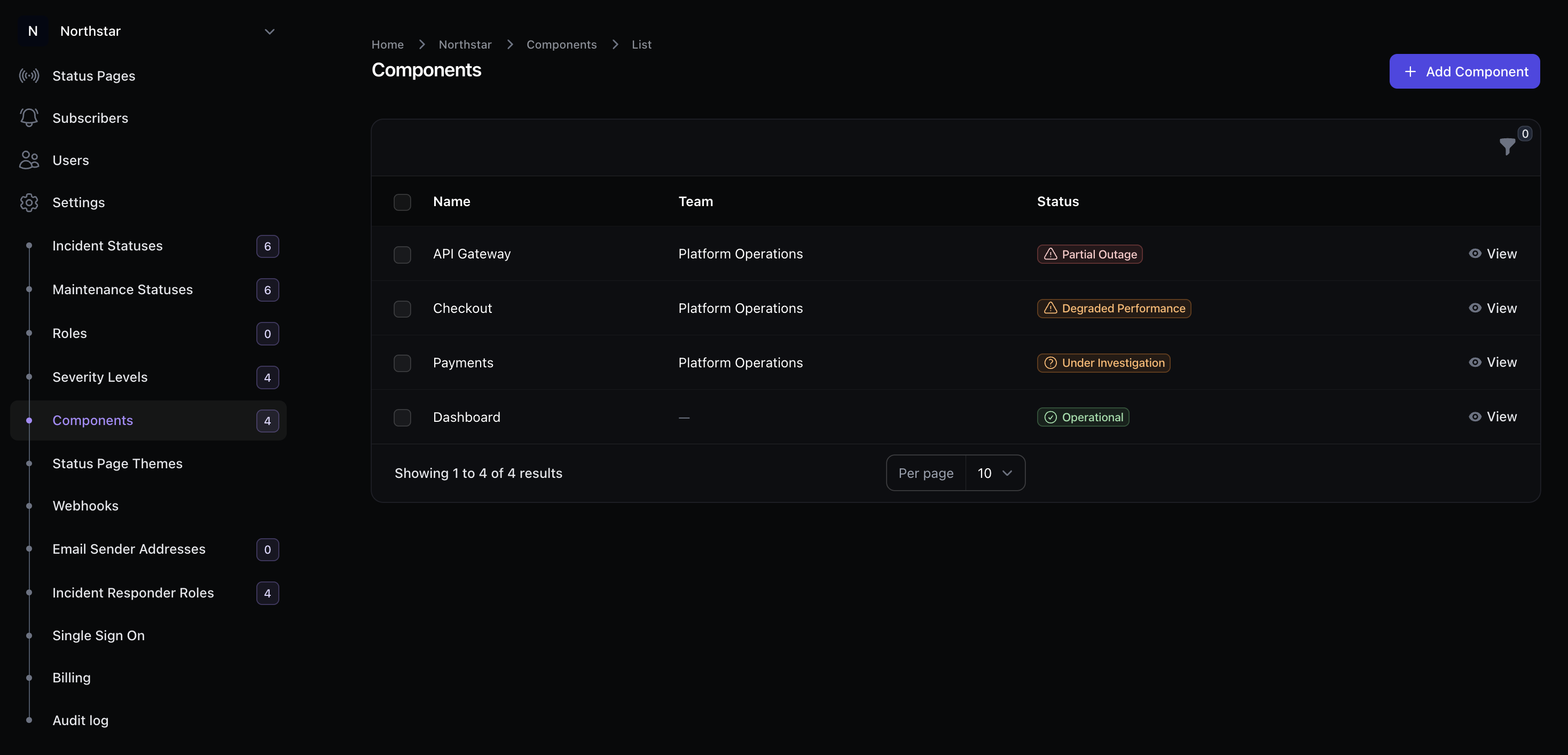
Shared component model
Map services to teams and track health on every incident. Responders and status pages pull from the same component list.
Impact at a glance
See which services are degraded, under investigation, or operational without opening every incident.
Platform
Connected to paging and customer comms
Incident management is the hub. On-call and status pages complete the loop.
FAQ
Incident management FAQs
Duplicates, integrations, and what happens after resolve.
How are duplicate alerts handled?
When multiple alerts describe the same problem, Incido groups them into one incident so your team is not paged twice for the same issue.
Can monitoring tools open incidents automatically?
Yes. Use the API or webhooks from Datadog, New Relic, Grafana, or any tool that can make HTTP requests. Incido then pages on-call and updates your status page.
What happens after the incident is resolved?
Move to follow-up when customers are no longer affected, then close the record when work is complete. The full timeline stays available for reviews and audits.
Ready for a calmer incident response?
Start a free trial and run your next incident on a structured workflow.