

Incido REST API: Programmatic Incidents and Automation
Use the Incido REST API when pipelines, CI jobs, or internal tools need to create incidents, post timeline updates, or manage on-call configuration programmatically.
Complements monitors: you own deduplication keys, stage transitions, and resolution timing when creating records directly, ideal for ticketing bridges and deployment pipelines.
What it does
The REST API exposes incidents, maintenances, on-call schedules, escalation policies, status pages, and organization configuration. Deduplication keys on creates prevent duplicate incidents during retries. Incido returns the existing Triage or Active incident when the key matches. Updates support their own deduplication for idempotent timeline entries.
How to set it up
- 1
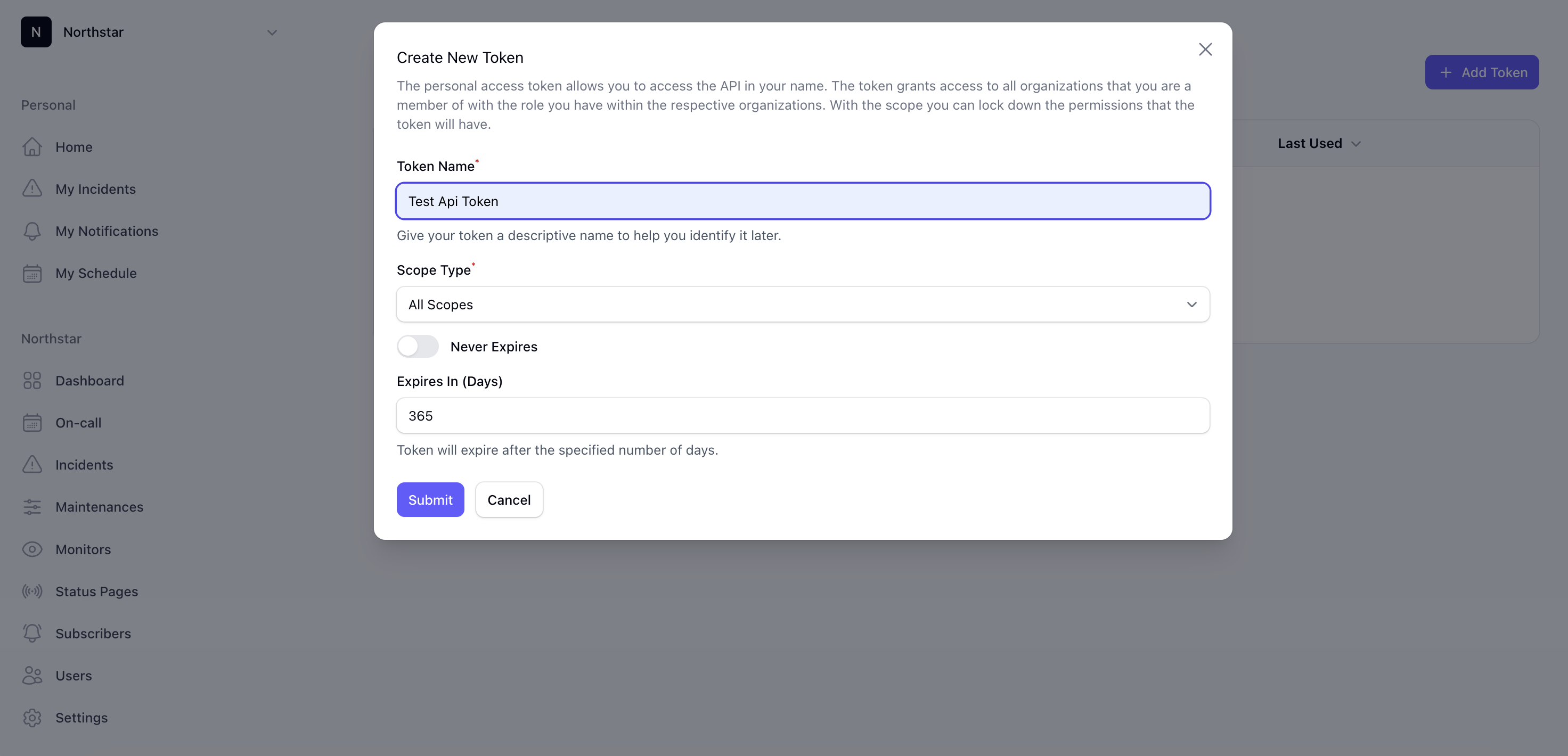
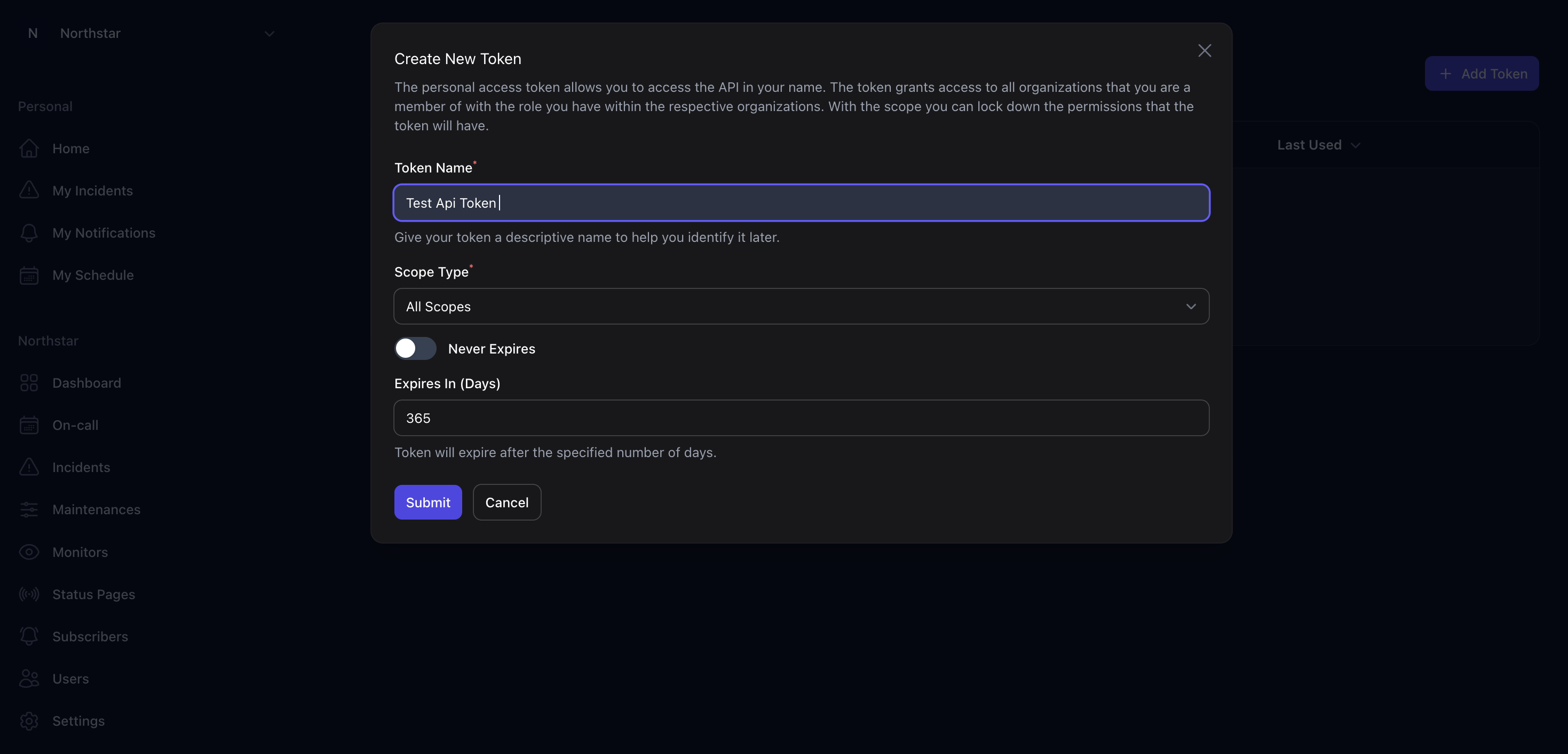
Create an API token
Generate credentials in the Dashboard with the scopes your automation needs. Store tokens securely in your secret manager. Never commit them to source control.
- 2
Choose create vs monitor path
Prefer monitors for health signals with correlation and auto-resolution. Use POST /incidents when a pipeline, deploy hook, or ticketing system must open a record directly.
- 3
Define stable deduplication keys
Keys should name the underlying problem (for example `eu-db-primary-down`), not a single HTTP request. Reuse the same key on retries so duplicate callbacks converge on one incident.
- 4
Handle stage transitions explicitly
When bypassing monitors, your automation must move incidents through Triage → Active → Post Incident → Closed and decide when subscribers receive updates.
Common use cases
- CI/CD pipeline opens an incident when a canary deploy fails
- Ticketing integration creates a maintenance window from a change request
- Custom deduplication when multiple services report the same root cause
- Exporting on-call schedules and escalation policies for internal tooling
Incident Management in Incido
The REST API exposes incidents, maintenances, on-call schedules, escalation policies, status pages, and organization configuration. Deduplication keys on creates prevent duplicate incidents during retries. Incido returns the existing Triage or Active incident when the key matches. Updates support their own deduplication for idempotent timeline entries.